Stop toggling between projects to understand your payables
Construction finance teams manage dozens of active projects at any given time. Tracking outstanding invoices, subcontractor billings, and direct costs across all of them usually means jumping between project dashboards, exporting spreadsheets, and manually reconciling numbers. That workflow doesn't scale.
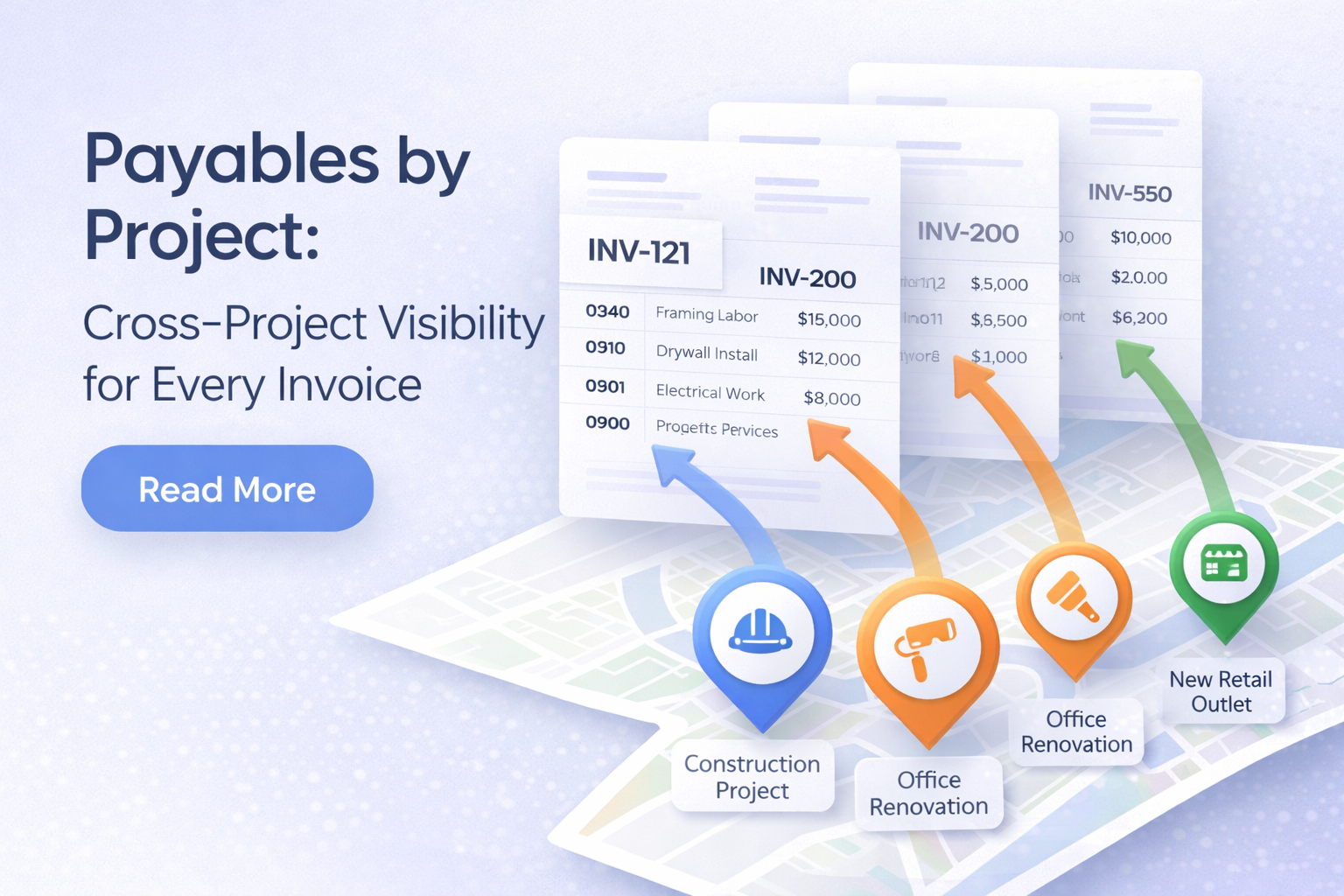
Payables by Project consolidates every payable invoice across your entire portfolio into a single, scannable report. One page. Every project. Every invoice type. Real-time totals.
See the full picture at a glance
The moment you open Payables by Project, three summary cards show you what matters most:
- Total projects with payable activity
- Total invoices across all projects
- Total dollar amount outstanding
Below these cards, a summary table breaks down each project with counts for subcontractor invoices, direct costs, and total amounts. You can scan the entire portfolio in seconds and spot which projects carry the most payable activity.
Filter to find exactly what you need
Payables by Project includes a robust filter system so you can cut through the noise and focus on the data that matters right now.
Active filters display as dismissible pills, and a badge count on the filter button tells you how many are applied. Clear one, or clear them all with a single click.
Know where your data lives
One of the most common questions for teams running Procore alongside inBuild: which invoices were created in inBuild, and which were submitted by vendors through Procore?
Every project row in the summary table includes separate columns for inBuild and Procore Only invoice counts. This makes it obvious at a glance where data gaps exist and which invoices are managed in your source of truth versus entered directly into Procore.
When you filter by source, the sync status filter responds intelligently. Selecting "Procore Only" automatically disables the sync status filter, since those records don't have an inBuild sync state. No misleading results, no confusion.
Drill into any project without leaving the page
Click any project row to expand it inline and see individual payable records for that project. Each record shows:
When both Procore data discrepancies exist for the same invoice, you can easily be alerted and prioritize fixing the data error.
Scope results to a billing period
For projects using Procore billing periods, expanding a project row reveals a billing period selector. Choose a specific period to filter both the individual invoice list and the project's summary row counts to that window.
Open billing periods are highlighted so you can quickly find the current cycle. When a billing period is active, the project row displays a "filtered" badge, and counts update in real time to reflect only invoices within that period. If a period contains no invoices, the row shows zeros rather than falling back to unfiltered totals, so you always see accurate, period-scoped numbers.
Jump to Accounts Payable with your filters intact
Every project row includes a link icon that navigates directly to the Accounts Payable report, pre-filtered to that specific project. All of your current filters, including date range, vendor, invoice type, source, and sync status, carry over automatically. No re-entering filters. No lost context.
From the expanded detail view, each invoice with an inBuild record links directly to its full invoice page for deeper investigation.
No invoice left behind
Invoices that haven't been assigned to a project still appear in the report under a dedicated "No project assigned" row. These records are surfaced rather than silently excluded, so your payables reporting stays complete and nothing slips through the cracks.
Built for construction finance teams
Payables by Project is available to every authenticated user in your inBuild company account. All data is automatically scoped to your organization, so there's no risk of cross-company data exposure.
Whether you're a controller reconciling month-end payables, a project manager checking invoice status before a draw, or a CFO reviewing portfolio-wide exposure, this report gives you the answers without the runaround.
See your payables across every project
Payables by Project replaces the patchwork of spreadsheets and per-project lookups with a single, filterable, drillable report. Combine it with inBuild's Procore integration and invoice management workflows for full visibility into what you owe, where, and why.