Sync Procore with QuickBooks Desktop
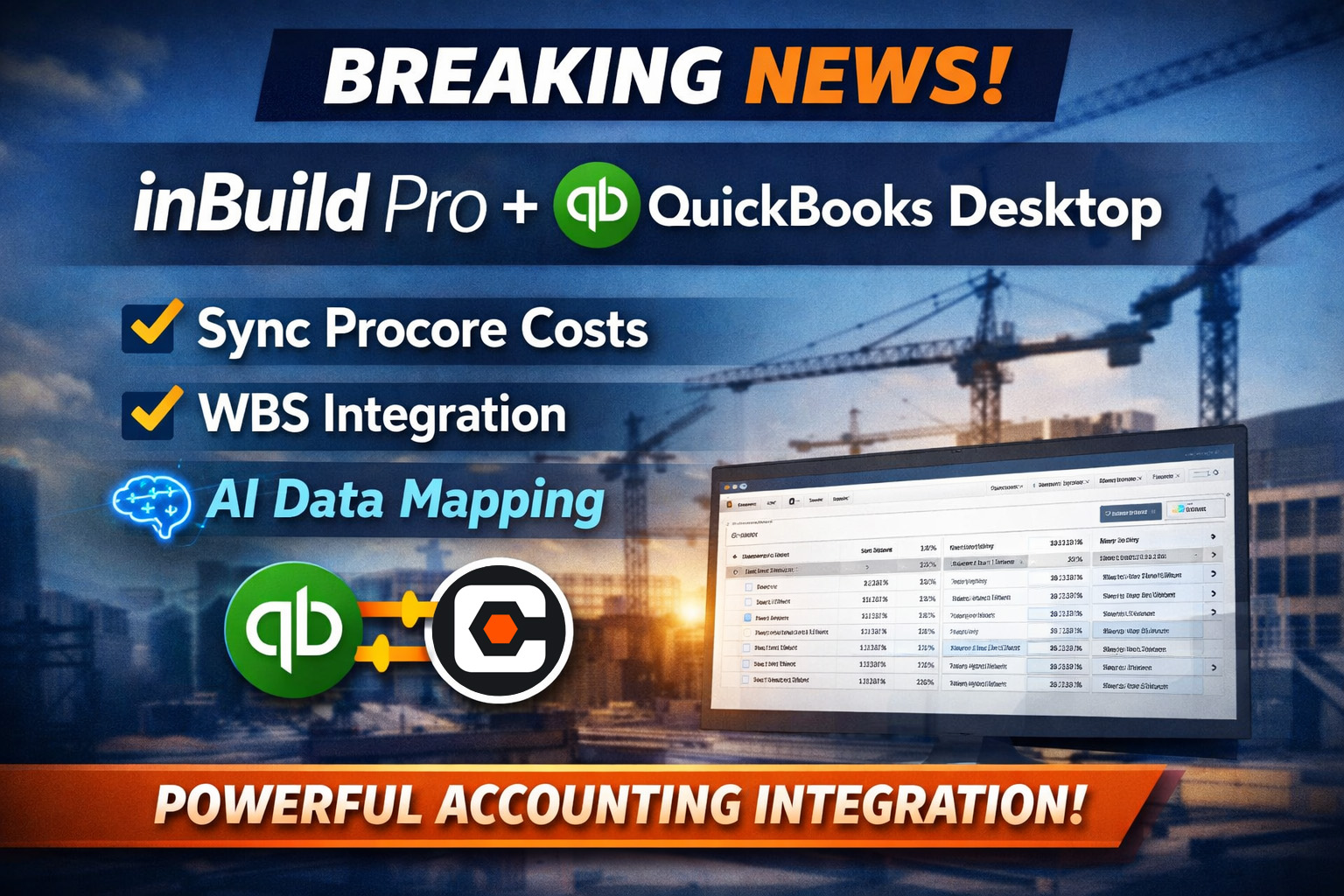
After more than five years of building, iterating, and supporting real-world construction workflows, inBuild is proud to announce the official release of QuickBooks Desktop integration for inBuild Pro.
This launch represents a major milestone for contractors and finance teams who rely on Procore for project execution and QuickBooks Desktop for job cost accounting. What began as a deeply battle-tested integration in inBuild Classic has now been fully re-architected, modernized, and expanded inside inBuild Pro.
The result is a faster, smarter, and more resilient way to move financial data from the field to the books.
A proven integration—rebuilt for the future
QuickBooks Desktop has long been a critical system of record for construction accounting teams. Over the past five years, we’ve worked closely with customers to understand where traditional integrations break down: fragile mappings, constant sync errors, manual cleanup, and limited support for real job cost structures.
inBuild Pro solves those problems at the foundation.
This is not a net-new experiment. It’s the culmination of thousands of synced invoices, commitments, and cost lines now delivered with a modern architecture and intelligent automation.
What inBuild Pro + QBD unlocks
Sync direct costs from Procore to QuickBooks Desktop
Approved costs in Procore flow directly into QuickBooks Desktop without re-keying or spreadsheets. This ensures accounting always reflects what’s actually happening on the jobsite, in near real time.
Full Work Breakdown Structure support
inBuild Pro preserves the way you build projects. Procore’s Work Breakdown Structure (WBS)—including cost codes, cost types, and sub-jobs—syncs cleanly into QuickBooks Desktop. No flattening. No workarounds. No loss of detail.
This means job cost reports in QuickBooks finally align with how projects are managed in Procore.
AI-powered data mapping and error handling
Managing sync errors manually is one of the most painful parts of construction accounting. inBuild Pro eliminates that burden.
Our most advanced technology to date uses AI-driven data mapping to intelligently connect vendors, accounts, cost codes, and job structures. When something changes, the system adapts—reducing failed syncs, manual intervention, and downstream cleanup.
For accounting teams, this means fewer interruptions and far more confidence in the data.
Bi-Directional Syncing
All Procore ↔ QuickBooks Desktop sync capabilities are built in and can run on auto-sync, keeping both systems continuously aligned with up-to-date project data.
Designed for accounting teams, trusted by operations
inBuild Pro was built to support both sides of the business. Project teams keep working the way they always have in Procore, while accounting gains a clean, reliable, and auditable flow of data into QuickBooks Desktop.
Implementation is faster, ongoing maintenance is dramatically reduced, and teams spend less time fixing integrations and more time focusing on higher-value work.
See it for yourself
The release of QuickBooks Desktop for inBuild Pro sets a new standard for Procore-to-QBD integrations. If you’ve struggled with brittle syncs, incomplete job cost data, or manual reconciliation, this is the upgrade you’ve been waiting for.
Request a demo today to learn more and experience the new QuickBooks Desktop integration firsthand.