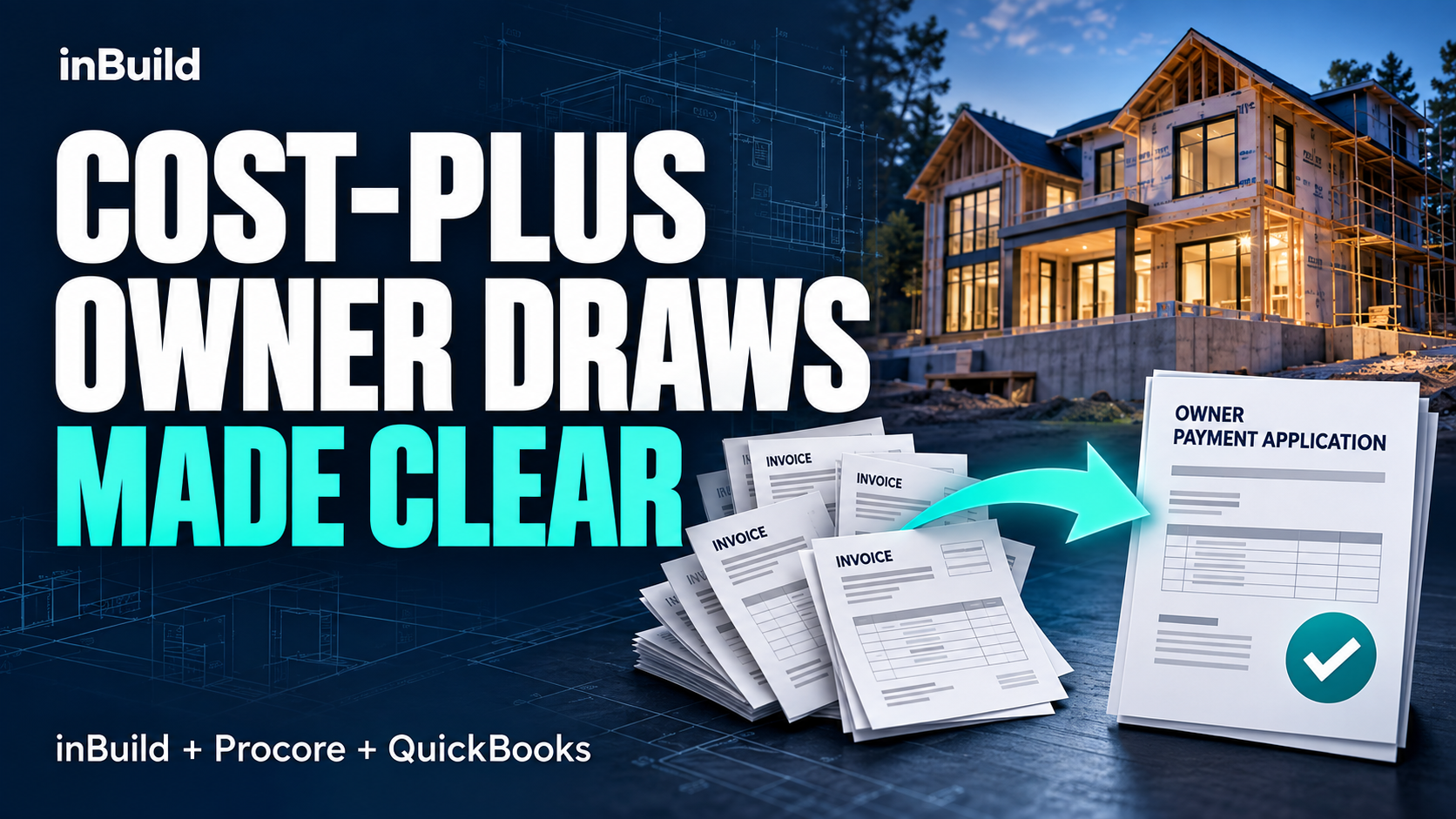
Cost-plus construction depends on transparency.
Owners need to understand what was spent, where those costs belong, and how they support the amount being billed each month. For builders, that means keeping invoices, project coding, billing periods, supporting documentation, and accounting records aligned.
That can become difficult when the information lives across email, Procore, QuickBooks, spreadsheets, and shared folders.
inBuild helps bring those pieces together.
By connecting invoice intake and review with Procore project cost structure and QuickBooks accounting, inBuild gives cost-plus builders a cleaner way to organize project costs before preparing an owner draw.
Start with clean cost data
The process begins when an invoice or receipt enters inBuild.
Instead of manually entering every invoice, inBuild uses AI to extract invoice details and line items. Your team can review the information, make corrections, and confirm the coding before the cost is synced anywhere else.
Each payable can then be associated with the correct vendor, project, cost code, and cost type.
Depending on the transaction, the cost can be handled as a subcontractor invoice or a direct cost and tied back to the corresponding Procore project structure.
The goal is simple: make sure the underlying cost information is organized correctly before it reaches the owner billing process.
Put direct costs into the right billing period
Invoice dates do not always tell the full story on a cost-plus project.
A cost may belong in a particular owner billing period even if the invoice itself was received earlier or later.
For direct costs, inBuild allows the team to select the applicable Procore billing period before syncing the cost.
That gives builders a more useful way to review monthly project costs because the transaction is tied to the period it belongs to, rather than relying only on the invoice date.
Review the period before building the draw
Before creating the owner Pay App, the project team needs to understand what is actually included in the period.
inBuild provides project and Accounts Payable reporting that can help teams review:
- Vendor and invoice information
- Project and cost-code coding
- Billing-period assignment
- Approval status
- Sync status
- Supporting invoice documentation
Builders can also filter costs by project and billing period and export invoice PDFs for backup.
This gives the team an opportunity to reconcile the month before moving into the owner-facing billing process.
That matters because not every cost that appears in an internal period report will necessarily be eligible for the owner Pay App. Draft or under-review transactions should still be reconciled against the costs that Procore includes in the billing workflow.
Create the owner Pay App in Procore
inBuild organizes the underlying cost information, but Procore remains the system where the Prime Contract Payment Application is created.
Once the billing period is ready, the builder can create the owner Pay App in Procore and review the eligible project costs and supporting documentation.
Procore can also be configured with a Prime Contract Financial Markup for items such as the GC fee.
For example, a builder may configure a 12% vertical markup to apply across eligible line items.
The markup setup, including its SOV mapping, should always be verified in Procore before the team relies on it for billing.
From there, Procore can compile applicable backup PDFs for the Pay App based on the project's configuration.
Keep the systems connected
The advantage of this workflow is not that one system replaces everything else.
Instead, each system handles the part of the process it is designed for.
inBuild helps capture, review, code, organize, and report on the underlying costs.
Procore handles the Prime Contract Pay App, billing-period workflow, and configured financial markup.
QuickBooks remains the accounting system of record.
The result is fewer disconnected handoffs and less repeated data entry between systems.
A simpler monthly cost-plus workflow
A typical monthly process can look like this:
Capture and code costs in inBuild → assign direct costs to the correct billing period → review the period and supporting invoices → create the owner Pay App in Procore → verify the included costs and GC fee → approve and continue the accounting workflow.
For cost-plus builders, the value is straightforward: better visibility into what was spent, cleaner supporting documentation, and a clearer basis for the owner draw.
Instead of assembling the month from disconnected spreadsheets, emails, and accounting records, the team can review the underlying costs in one organized workflow before billing the owner.