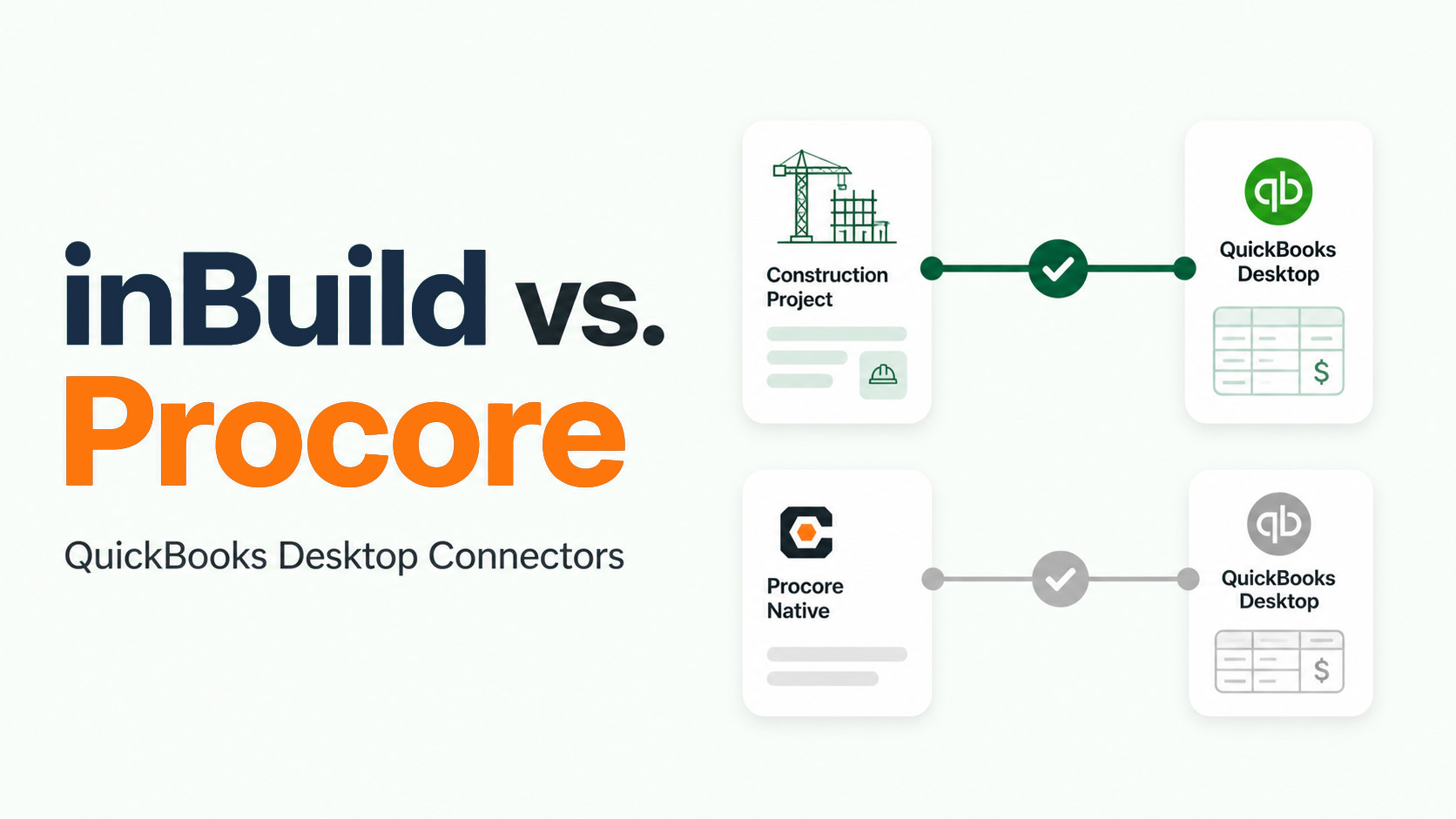
If you’ve ever inherited a construction finance stack, you’ve probably seen:
- Multiple QuickBooks instances
- Different entities, divisions, or regions split across books
- A mix of cloud and desktop systems
- And a Procore environment trying to sit on top of all of it
From the outside, it looks messy.
From the inside, it’s usually completely rational.
The problem isn’t why these setups exist.
The problem is what they break once you try to run a modern AP workflow on top of them.
Why firms split their books
Entity and JV separation
Construction companies don’t operate as a single clean entity.
You’ll see:
- Separate LLCs for projects
- Joint ventures with different ownership structures
- Tax and liability boundaries across regions or business units
In systems like QuickBooks, each company file (or company “realm”) is treated as a fully separate accounting system. That’s by design—it enforces clean financial boundaries.
So when a business grows, splitting books isn’t bad practice.
It’s often the only way to stay compliant.
Legacy desktop history
A lot of construction firms still run on a mix of:
- QuickBooks Desktop (QBD)
- QuickBooks Online (QBO)
And those systems evolve over time:
- Long-running projects stay in legacy books
- Teams resist migrating fully because reporting or workflows would break
On top of that, the QBD ecosystem iis fundamentally a scheduled bridge, not a real-time cloud sync.
So instead of one clean system, you end up with a portfolio of accounting environments.
Where AP workflows break
This is where things start to hurt.
Most AP tools (and a lot of integrations) assume a simple model:
One system points to one accounting destination
But that’s not how construction actually works.
Let’s take a real scenario:
- A vendor sends an invoice
- The work spans multiple projects
- Those projects live in different QuickBooks companies
- The approval chain crosses different managers or entities
Now ask:
- Where does that invoice get routed?
- Who owns coding if it spans books?
- How do you ensure job costs land in the right ledger?
- What happens when approvals happen before the destination is even clear?
This is where naive integrations break down.
Even systems like Procore, which are often the operational system of record, don’t solve this layer by themselves. They still rely on downstream accounting systems that are fragmented by design.
“Connect Procore to QuickBooks and you’re done.”
But in reality, projects don’t map cleanly to a single ledger in every case
So what happens?
- Manual routing decisions creep back in
- AP teams become the “traffic controllers”
- Errors show up in job costing and reporting
- Reconciliation becomes slower and more fragile
The system is partly automated, but there is added complexity that lives in people's heads. People make mistakes and next thing you know, you've lost track of an important invoice, or have booked a charge to the wrong account!
What a workable sync layer actually needs
If multi-company is the reality, then the solution isn’t to pretend it doesn’t exist.
It’s to build a layer that embraces it explicitly.
Routing
At minimum, you need:
- Project to company routing logic
- The ability to choose a destination before posting
- Flexibility to handle exceptions (not everything is clean)
This is where most systems fall short—they assume routing is static when it’s often contextual.
Mapping
Across multiple companies, you also need:
- Persistent vendor mappings
- Chart of accounts alignment (even when imperfect)
- Job cost and cost code translation
Without this, every invoice becomes a mini data reconciliation exercise.
Exception ownership
This is the most overlooked piece.
In multi-entity setups:
- Some invoices won’t map cleanly
- Some allocations will require external data
- Some approvals will conflict across entities
You need:
- Clear ownership of exceptions
- Visibility into why something failed
- A system that doesn’t silently break when assumptions don’t hold
Evaluation checklist
If you’re evaluating AP automation or integrations in a multi-company environment, ask:
- Can it route invoices to different accounting systems based on project or context?
- Does it support both QBO and QBD pathways?
- Are mappings persistent?
- What happens when an invoice spans multiple entities?
- Who owns exceptions, and how are they surfaced?
If the answer to most of these is unclear, you’re likely buying a system built for a simpler world than the one you’re operating in.
A more realistic approach
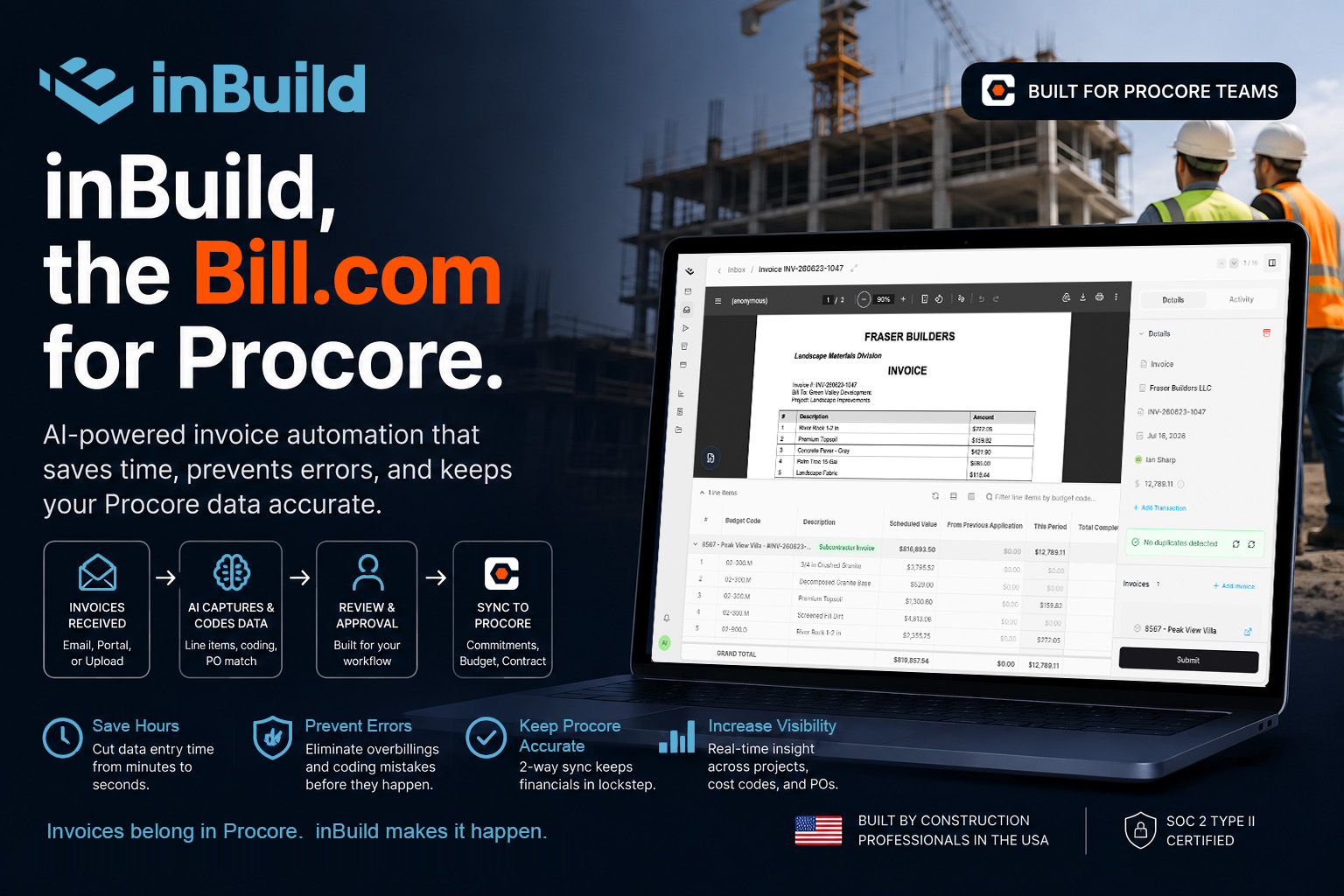
At inBuild, we’ve leaned into this reality:
- Multi-integration routing logic (not one-to-one assumptions)
- Persistent mappings across systems
- Support for both QBO and QBD environments
- Project-based destination selection
That doesn’t eliminate complexity. but it puts it in the system instead of on your AP team.
The bottom line
Multiple QuickBooks companies aren’t a mistake.
They’re a reflection of how construction businesses actually operate.
The real mistake is trying to force a simple integration model onto a complex financial structure.
If your AP workflow doesn’t account for:
- Multiple entities
- Multiple accounting systems
- And real-world routing decisions
…it will break, and your team will pay the price.