Managing direct costs effectively is one of those unglamorous but critical aspects of construction project management that can make or break your budget accuracy. While Procore excels at tracking committed costs through purchase orders and subcontracts, direct costs require a more manual approach and without the right systems in place, they can quickly become a source of chaos and budget overruns.
Understanding Direct Costs
Direct costs are expenses for a construction project that aren't tied to a formal purchase order or subcontract. These typically include field purchases, small material runs, equipment rentals, permits, and other miscellaneous expenses that crews incur during the course of work. While individually these costs might seem minor, collectively they can represent a significant portion of your project budget and are notoriously easy to lose track of.
The challenge with direct costs is that they lack the built-in tracking mechanisms that come with formal procurement processes. There's no contract to reference, no subcontractor line items to track against, and often no advance notice. This makes systematic management essential.
Standardize Your Cost Code Usage
Before you can effectively track direct costs, you need a cost code structure that actually works. This is where many companies struggle. They either create an overly granular system that overwhelms users with choices, or they go too broad and end up with reporting that tells them nothing useful.
The key is finding the right balance between specificity and usability. Your cost code list should be detailed enough to provide meaningful insights into where money is being spent, but not so complex that field teams and project managers spend more time debating which code to use than actually entering the cost.
Consider your reporting needs when designing your structure. What questions do you need your cost reports to answer? How do you typically analyze project performance? A well-designed cost code structure should align with how you actually make decisions, not just mirror your chart of accounts. For a more detailed guide, check out our 2026 Guide to Cost Code Management.
Centralize Invoice and Receipt Intake
One of the biggest sources of direct cost management headaches is having receipts and invoices come in through multiple channels. If some are coming in via email, others through text messages, some handed directly to project managers, and still others sitting in someone's truck for weeks there’s absolutely going to be delayed expenses.
The solution is to create a single shared inbox for all direct cost documentation, something like invoicing@mycompany.com. Train your subcontractors, field teams, and vendors to send everything to this address. This creates a single source of truth and ensures nothing gets lost in individual email accounts or forgotten in someone's pocket. For sending pictures of receipts from the field most modern messaging apps like iOS Messages or Google Messages will accept an email address in the recipient field, so it’s straightforward for PMs to send photos of receipts into a shared inbox from the field.
Some companies with high volumes find it helpful to separate field receipts from subcontractor invoices into different inboxes, but this approach requires monitoring two sources of input. For most operations, a single inbox provides the right balance of simplicity and control.
Enforce Reviews Before Approval
Here's where Procore's limitations around direct costs become apparent: unlike purchase orders and subcontracts, there's no built-in workflow for direct cost approvals. This means you need to establish and strictly enforce standard operating procedures within your team.
Create clear protocols for who can approve direct costs at different dollar thresholds. Require project managers to review and verify every direct cost entry before it's finalized. Implement a second-level review for costs above certain amounts. Without these manual checkpoints, errors and unauthorized expenses can easily slip through.
The key word here is "enforce." Having SOPs written down means nothing if your team doesn't consistently follow them. Make direct cost review part of your regular project management rhythm.
Align Direct Costs with Your Accounting System
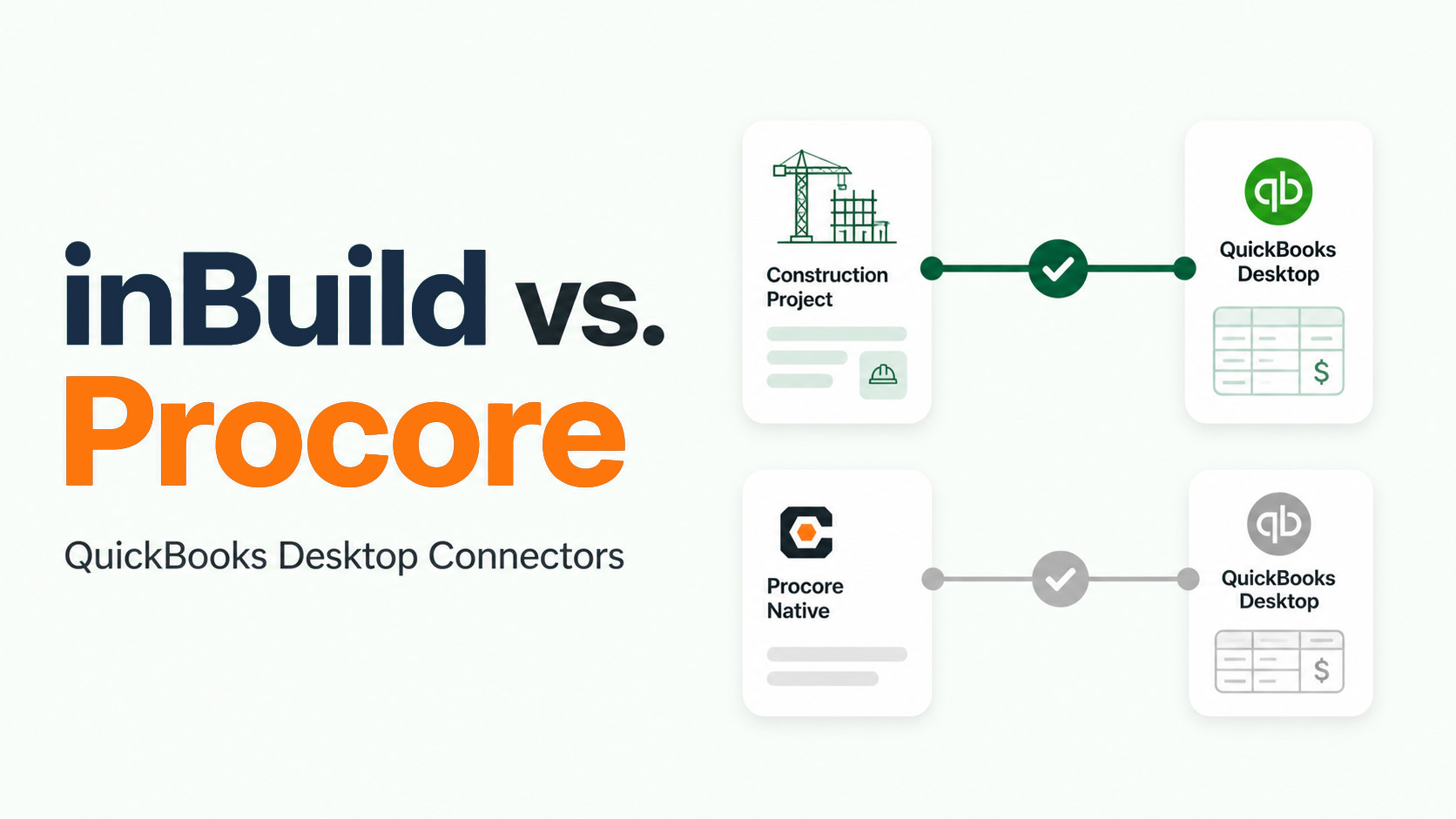
This is where things get particularly tricky. The Procore-QuickBooks web connector currently doesn't sync direct costs, which means you're managing parallel entry processes. Your project team enters costs in Procore, and your accounting team needs to enter the same information into QuickBooks.
Without coordination, you'll end up with mismatches that create reconciliation nightmares at month-end. A simple approach is to use email tags like "QuickBooks Entered" and "Procore Entered" to track which system has been updated. This at least prevents duplicate or missed entries.
A more robust solution involves maintaining a shared spreadsheet where information from the email inbox is standardized before being entered into either system. This adds another step of manual data entry, but it provides a single source of truth and makes discrepancies easier to catch. The spreadsheet becomes your master record, with both Procore and QuickBooks serving as downstream systems.
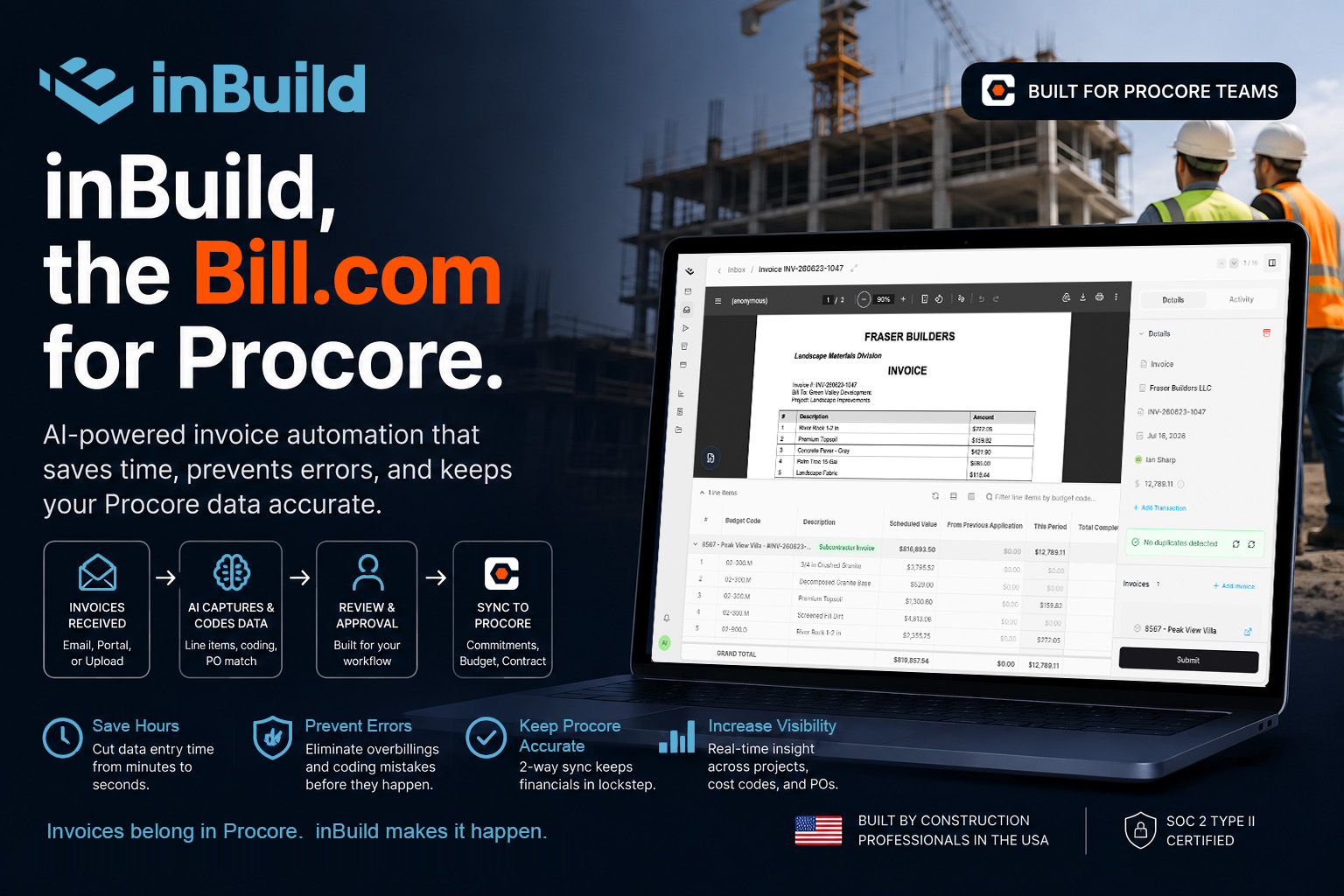
With a system like inBuild that’s directly connected to the two platforms, you can sync to Procore and QuickBooks independently of one another, which circumvents the limitations that are built into a simple data connector.
Monitor Direct Cost Aging
Time is the enemy of accurate cost tracking. The longer a direct cost sits unprocessed, the more likely it is to be entered incorrectly, forgotten entirely, or cause budget reporting issues.
Use your tracking spreadsheet to monitor not just what's been entered, but when. Track three key timestamps: when the receipt or invoice was originally sent to your intake email, when it was entered into Procore, and when it was entered into QuickBooks. This data helps you identify bottlenecks in your process.
Are costs sitting in the inbox for days before anyone processes them? Is there a lag between Procore entry and accounting entry? Different bottlenecks require different solutions, and you can't fix what you're not measuring.
When Manual Processes Reach Their Limit
If you've implemented all of these practices but still feel like direct cost management consumes too much of your team's time and attention, you've likely hit the ceiling of what manual processes can achieve.
This is where specialized tools like inBuild come into play. Purpose-built automation can handle direct cost entry using AI, link expenses to credit card transactions, provide actual workflows for direct cost approvals, and sync data to both Procore and QuickBooks simultaneously. When the volume and complexity of your direct costs justify the investment, automation stops being a luxury and becomes a necessity for maintaining accuracy without drowning in administrative work.
The goal isn't just to track direct costs, it's to make tracking them efficient enough that your team can focus on building projects rather than chasing receipts. Whether you achieve that through disciplined manual processes or automation depends on your specific situation, but the foundation remains the same: standardization, centralization, and consistent enforcement of your systems.