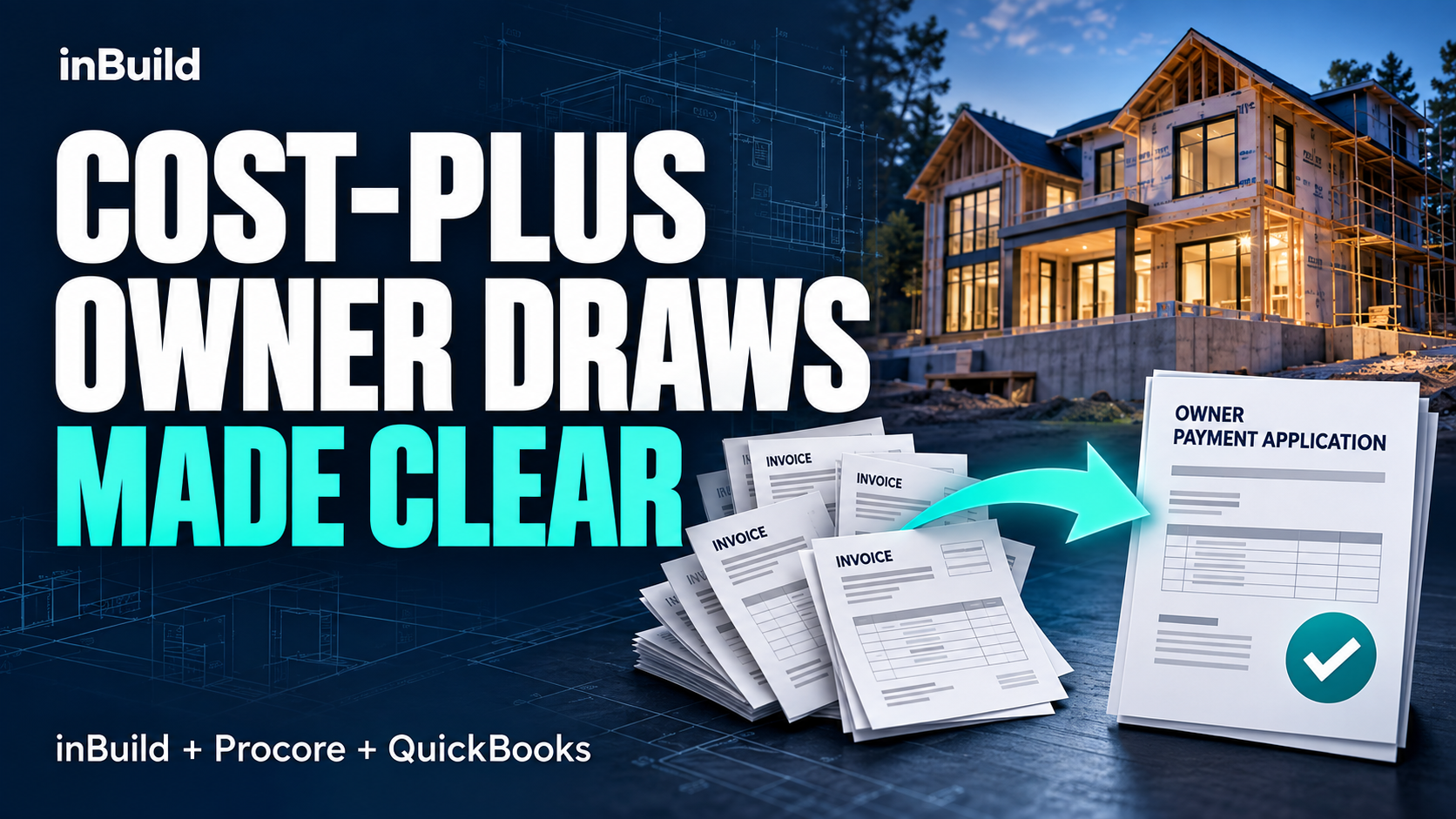
InBuild uses artificial intelligence and data capturing technologies to create the automation of invoices for construction development companies. Here, you can track your invoices and each stage of their lifecycle until it has been approved and paid. Prior to the automation of invoicing, invoices were mostly all done on paper. This created document tracking challenges such as accessibility, the ability to make quick modifications, efficiency, security, and organization.
Accessibility
Previously, to access paper invoices, they were more than likely kept in a filing cabinet, in a manila envelope with tens of other invoices to manually sort through. Now, with inBuild, you can quickly access your invoices, broken down by project, by vendor, or all company invoices. The access to invoices is at a click of a button.
Quick Modifications
When using paper invoices, having the ability to make quick edits and changes is rather difficult. First, the document would need to be located. Second, the edit would need to be copied and sent to relevant subcontractors. With inBuild, you can make quick modifications to update or change an invoice without hassle, either at the job site or in the office.
Efficency
The automation of invoices has been able to reduce wasted time and materials. In the construction world, project delays are a common occurrence. Invoicing can cause project delays if the subcontractors are not paid quickly, as they could pull their team off the jobsite. This will also result in wasted project materials and hours worked. inBuild allows general contractors to streamline the invoicing process.
Security
How secure is the filing cabinet? Not very. With inBuild, you can provide access to essential personnel to oversee your account, projects, and invoices. They will be able to monitor each phase of the invoices lifecycle, the inbox, invoice approvals, and accounts payable. inBuild is a secure platform that requires a login username and password to gain access.
Organization
Being organized both at the jobsite and in the office is a crucial way to maximize time and efficiency. inBuild can be accessed both at the jobsite and in the office, allowing general contractors to quickly pull up a project, vendor, or any company invoice to ensure they are running both on time and on budget.
Automation does solve document tracking challenges by providing accessibility, ability to make quick modifications, improves efficiency, security, and organization.