The fastest way to
get invoices into Procore
You can’t make subs use Procore, but you can stop paying for it with your time. inBuild syncs every emailed invoice to the right project, vendor, and commitment — no manual entry required.




It's not you
It's the process
Each month, hundreds of invoices flood your inbox. Project managers dig through PDFs, accounting re-enters data, approvals stall, and vendors start calling.
Automatic invoicing for
high-volume teams
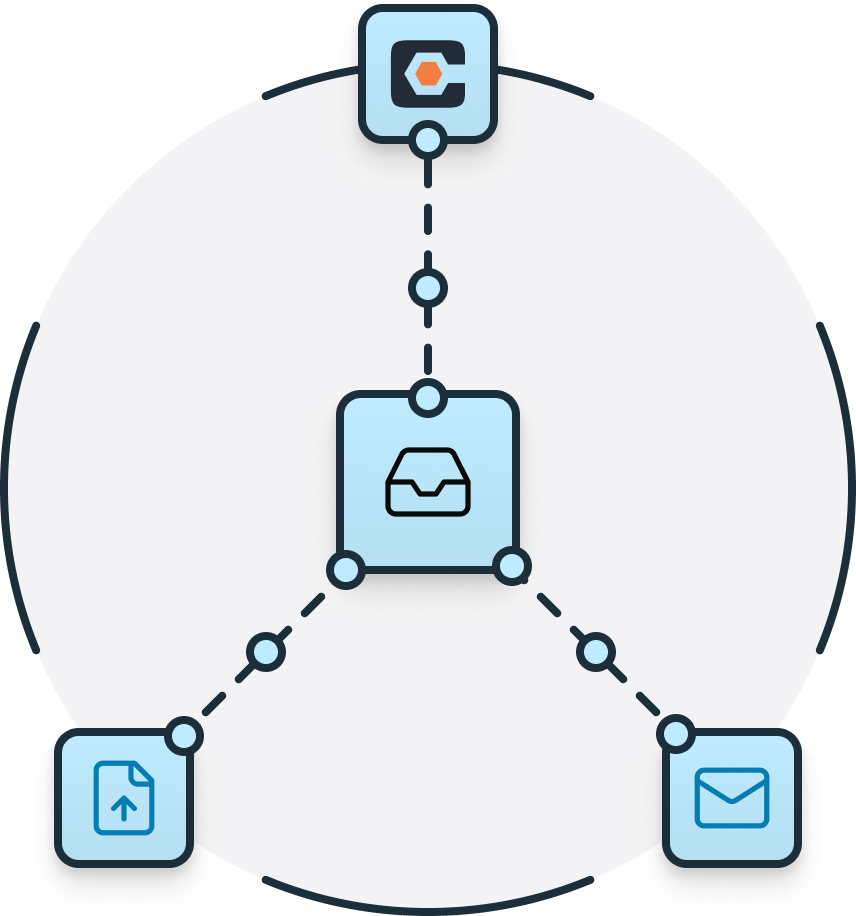
inBuild extracts data from every invoice, assigns it to the right project, and routes it through approvals before syncing with Procore and QuickBooks.
Purpose Built

Toolkit

Invoice Capture
Extracts invoices from email automatically.

Approval Routing
Routes invoices to the right approvers instantly.

ERP Sync
Sync approved invoices to Procore and QuickBooks.

Receipt Capture
Match uploaded receipts to your live CC feed.

Auto Coding
Matches projects, vendors, commitments, and cost codes.

Sync the data you need
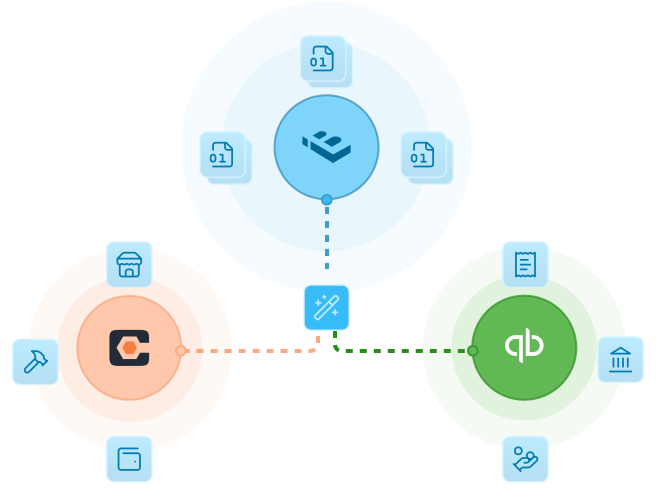
inBuild connects to Procore and pulls real-time data for all of your projects so invoices can be processed automatically. Optionally connect QuickBooks for a full accounting sync.



Direct Cost Invoice
Financial Management

Invoice
Subcontract Invoice
Financial Management
Invoice
Direct Cost Invoice
Financial Management
Receipt
Change Event
Financial Management

Change Order
Commitment
Financial Management
Contract
Committed Cost
Financial Management
Cost to Date
Work Breakdown Structure
Core
Budget Code
Budget
Financial Management
Budget
Project
Core
Project
Company
Core
Vendor
Job Title
workflows
Project Role
User
workflows
Asignee


Direct Cost Invoice
Financial Management
Invoice
Bill
Subcontract Invoice
Financial Management
Invoice
Bill
Direct Cost Invoice
Financial Management
Receipt
Bill Payment / Vendor Credit
Prime Contract Invoice
Financial Management
Prime Contract Invoice
Sales Invoice
Prime Contract Payment
Financial Management
Prime Contract Payment
Sales Invoice Payment
Company
core
Vendor
Vendor
Project
core
Project
Customer / Job
Work Breakdown Structure
core
Budget Code
Chart of Accounts
Work Breakdown Structure
core
Budget Code
Product and Services
Tax Code*
*Canada Only
Financial Management
Tax Code
Tax Code*
*Canada Only
How inBuild Works
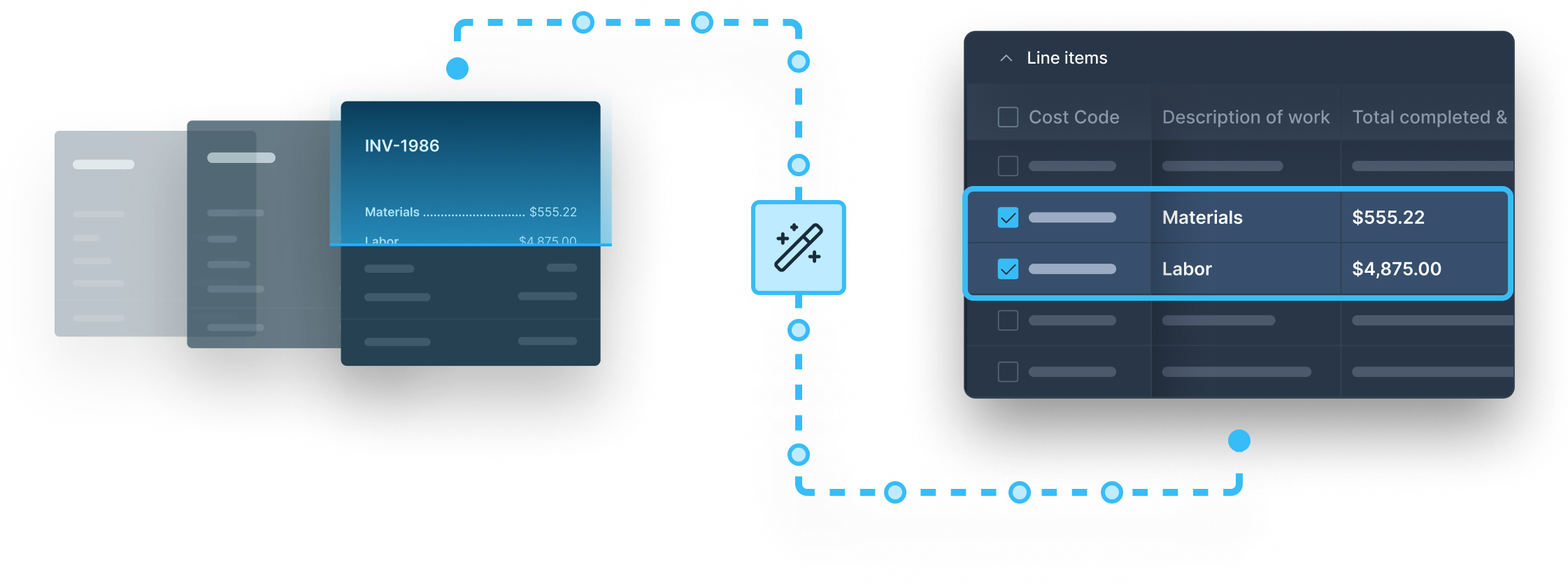
inBuild acts as your payables command center. Invoices from Outlook are processed by AI and assigned project, vendor, and cost code. Simply review the information and send to your team for approval. The sync happens automatically once fully approved.


"Our team out in the field can take real time pics from their smart phones of their invoices/receipts, upload and code them on the spot ... Definitely recommend if you're looking for an efficient program for tracking and coding incoming bills."












builders


Real Results
Real Builders
These results come from builders using inBuild to save time, cut errors, and keep cash moving.
Built for
Teams
inBuild was designed to automate invoicing, reduce administrative overhead, and provide clear financial tracking.

Procore's cloud-based construction management software allows teams of construction companies, property owners, project managers, contractors, and partners to collaborate on construction projects and share access to documents, planning systems, and data, using an Internet-connected device.
Yes. inBuild requires access to the Procore Financials module.
Maybe. The invoicing module is required to sync subcontractor invoices to Procore against subcontractor commitments. Direct costs can still be synced without the invoicing module.
No. QuickBooks is an optional addon. It is not required to use inBuild.
All information sent between inBuild and Procore is done using the official Procore API, which uses industry-standard SSL encryption. This establishes an encrypted link between the Procore resource server and inBuild. This link ensures that all data passed between the resource server and inBuild remain private. Your data is our priority, and peace of mind is guaranteed.
There is no cost to get started. After the first 30 days of use we will send you a quote based on your project and invoice volume. This is custom tailored to your business and designed to be as affordable as possible.
You can get started at any time. Have more questions? You can always request a demo with one of our experts.
Procore invoicing is about
to get a whole lot faster
Connect your Procore account, upload your invoices, and let inBuild handle the rest.